Scan2Add
Quickly scan any QR Code or Barcode to add products, discounts or customers to the Shopify point of sale cart.
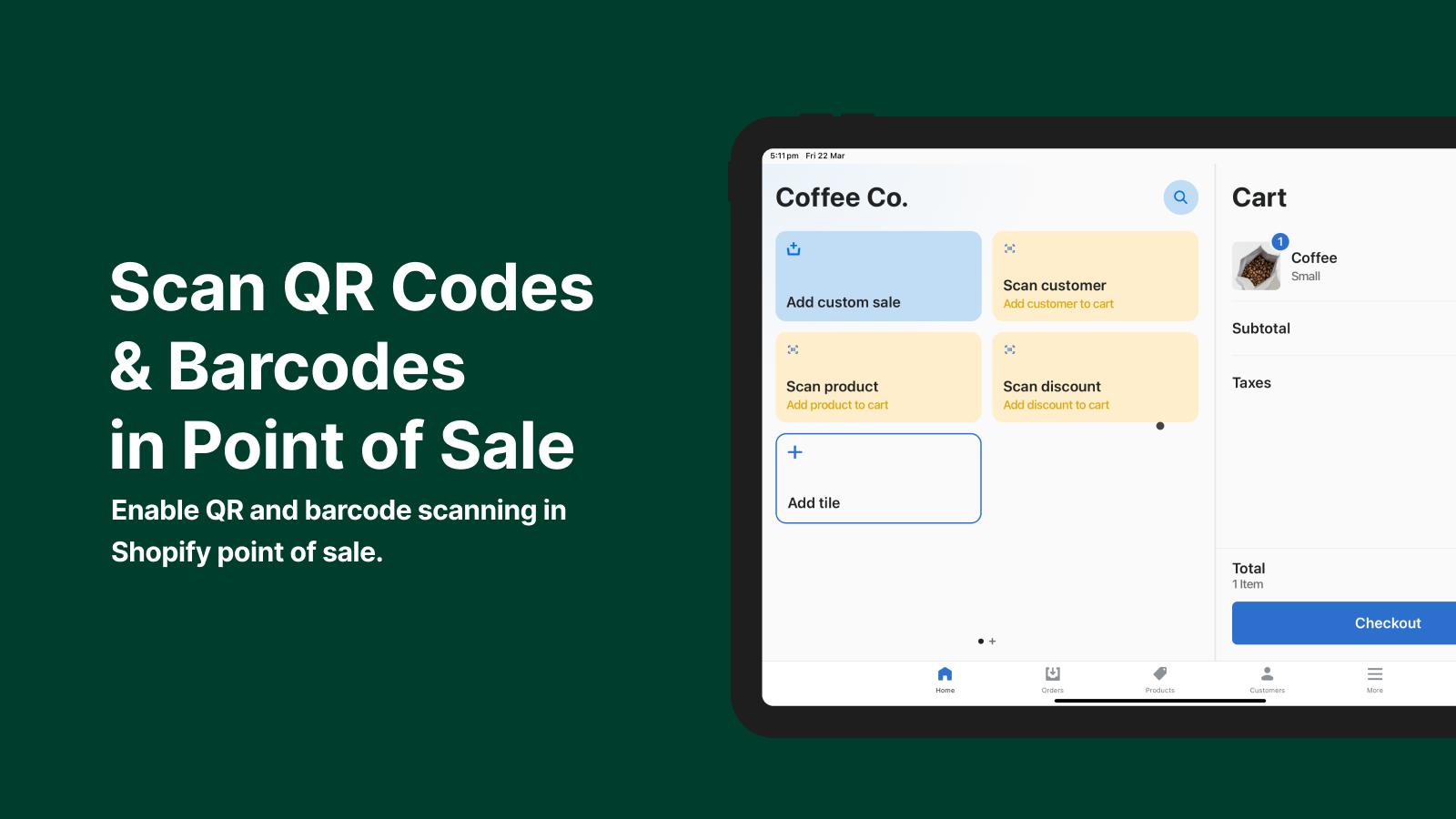
Using the Scan2Add app in your retail store allows you to quickly search for products, customers or discount codes by scanning a QR or barcode containing that data.
Scan2Add supports scanning of three different types of information:
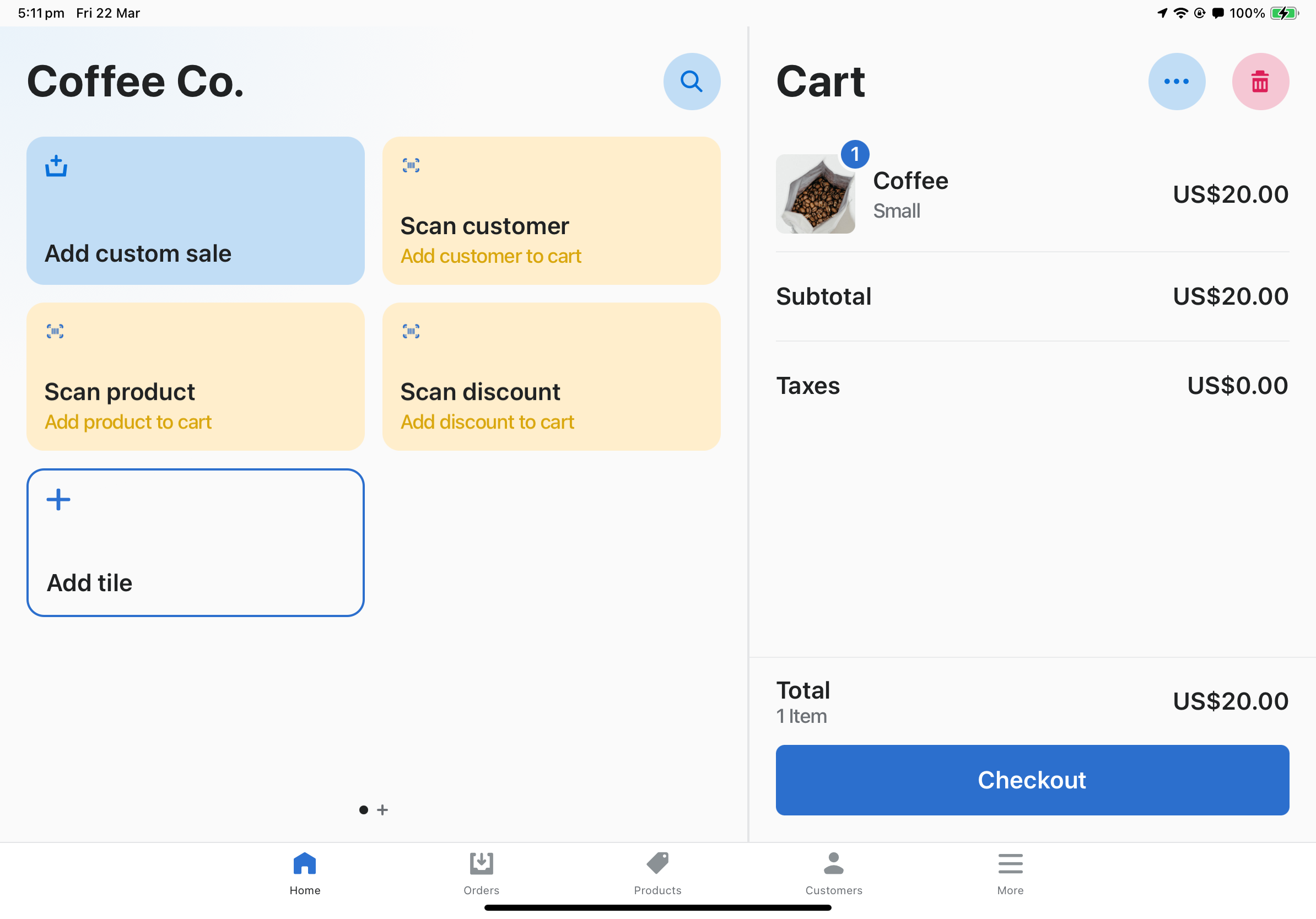
Using Scan2Add
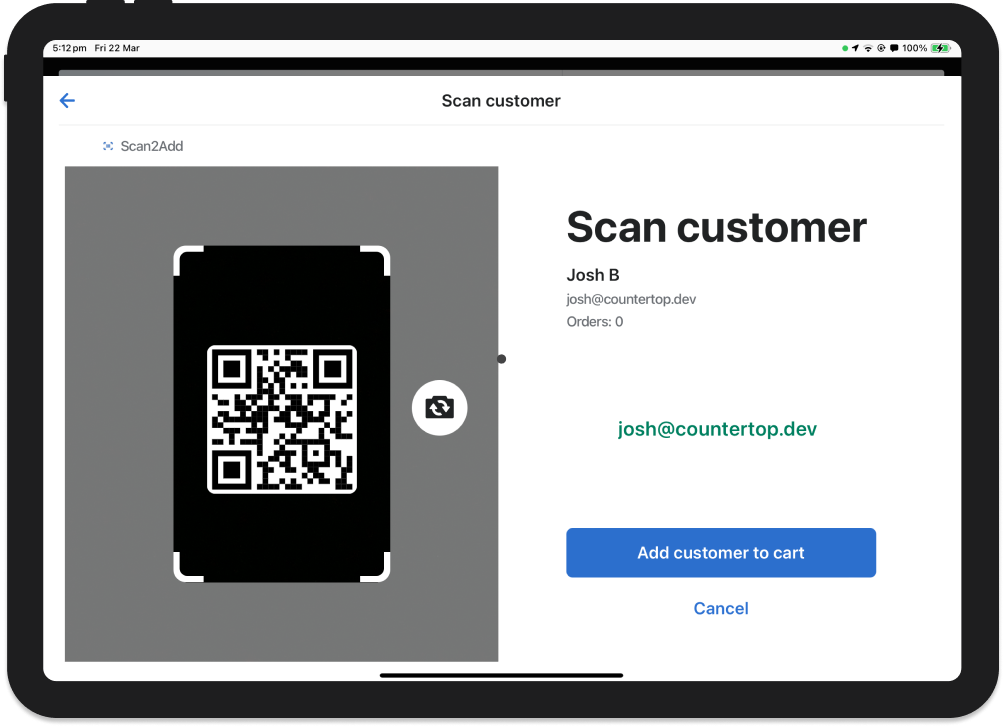
This QR code contains the email address of a customer ("josh@countertop.dev"). It might be used on a customer's membership card, in their wallet app or on their customer account profile.

Scanning this code with the Scan2Add app brings up the customer's information and allows them to add them to the ongoing point of sale cart.
Tiles can be added to the point of sale home screen for easy access. When tapped, these tiles will open up a scanner or camera view.