How will team members use ShopView
ShopView can run completely in the background and does not require any action from point of sale users to function.
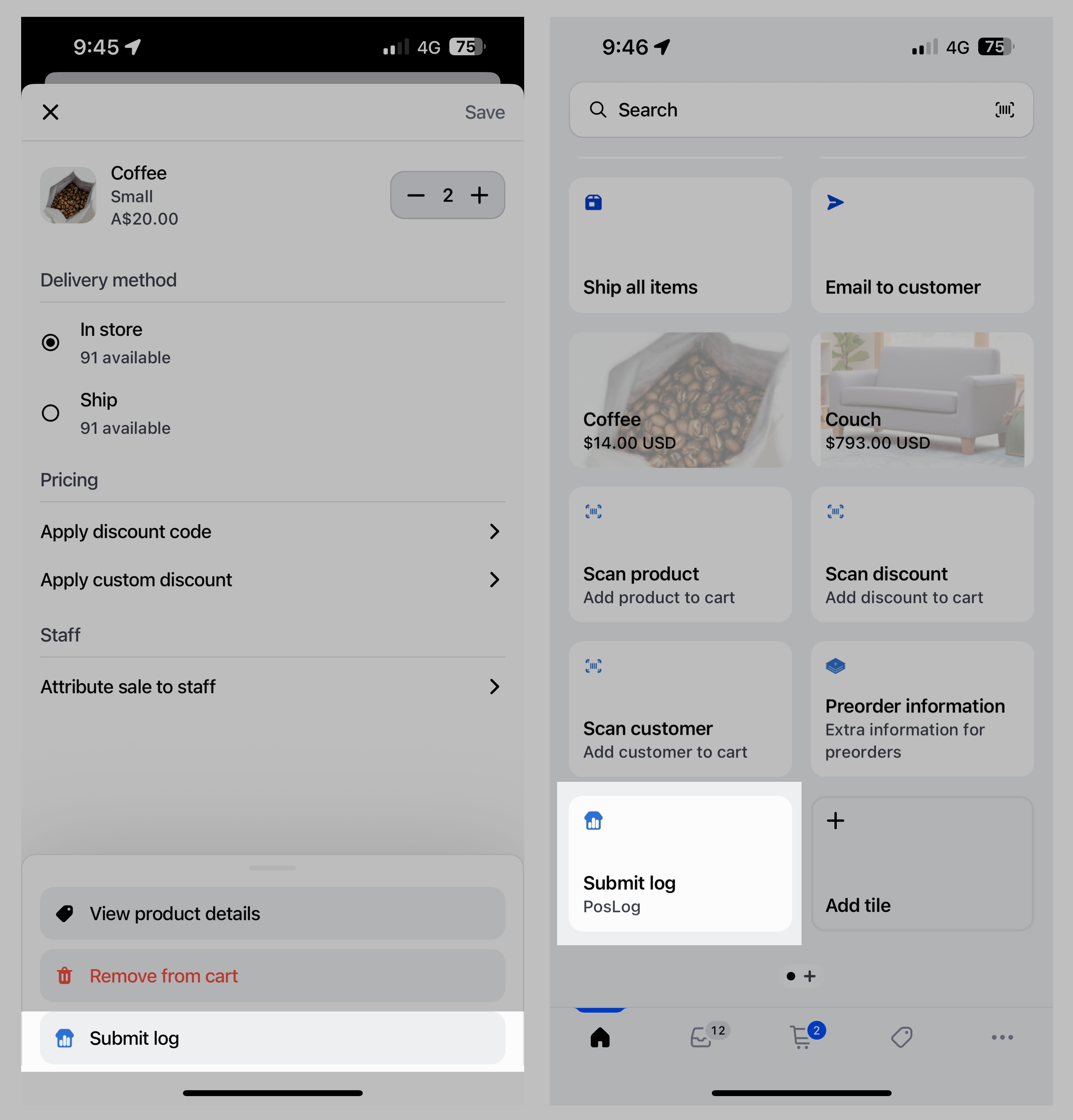
If your team would like to submit custom logs, then there are two ways they may interact with the ShopView "Submit log" extension.
1. Submit Log Smart Grid Tile
A "Submit log" tile on the Smart Grid that allows team members to submit a custom log from the Home screen containing the current cart information.
2. Submit Log Button
A "Submit log" button in the menu of each section throughout the point of sale interface.
On product, order, customer or cart line item
Tapping into a product, order, customer or line item in the Shopify POS app will present a menu with the Submit log action.
Submitting a custom log from this action will include the context from where it was submitted.
For example, if a custom log is submitted from a customer page, the ID of the customer will be included in the event.